Full Robot Assembly
Once your actuators are built, print the leg structure parts, then assemble the legs and the body into the full robot.
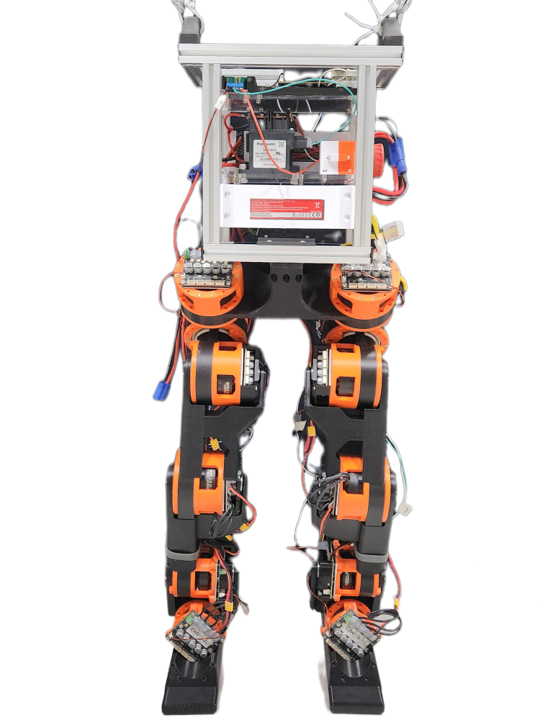
The fully assembled robot.
1. Print the leg structure parts
Download the STL files for the leg structure and print them. For print settings, see Printing the rest of the robot in the upstream 3D Printing Instructions.
Download all leg structure parts (ZIP)
Parts marked L or R are for the left or right leg. Parts without a side label are symmetric or single-shape parts that can be used on either leg.
| Part | Side | File |
|---|---|---|
| 6512 Housing Hip – Housing Middle | — | STL |
| 6512 Housing 6512 – UpperLeg X Housing Middle | — | STL |
| 6512 Housing Knee – Housing Middle | L | STL |
| 6512 Housing Knee – Housing Middle | R | STL |
| 6512 Housing Knee – Rear Struct | L | STL |
| 6512 Housing Knee – Rear Struct | R | STL |
| 6512 Rear Cover – Rear Struct | — | STL |
| 5010 Housing Ankle – Ankle Mount 1 | — | STL |
| 5010 Housing Ankle – Ankle Mount 2 | — | STL |
| 5010 Rear Cover – Rear Struct | — | STL |
| Ankle – Feet Mount | L | STL |
| Ankle – Feet Mount | R | STL |
| Ankle – Feet Mount 2 | L | STL |
| Ankle – Feet Mount 2 | R | STL |
| Feet – Flat Foot | — | STL |
For any other parts you need, export them from our baseline CAD model on Onshape.
2. Assemble the robot
For the assembly steps, you can follow the upstream Building the Robot guide and its videos, especially the Leg and Entire robot videos.
Berkeley Humanoid Lite: Building the Robot Leg assembly video (YouTube)
Our robot’s design is different from Berkeley Humanoid Lite, so be careful when following the upstream guide. Check our baseline CAD model and the photos below when something doesn’t match.
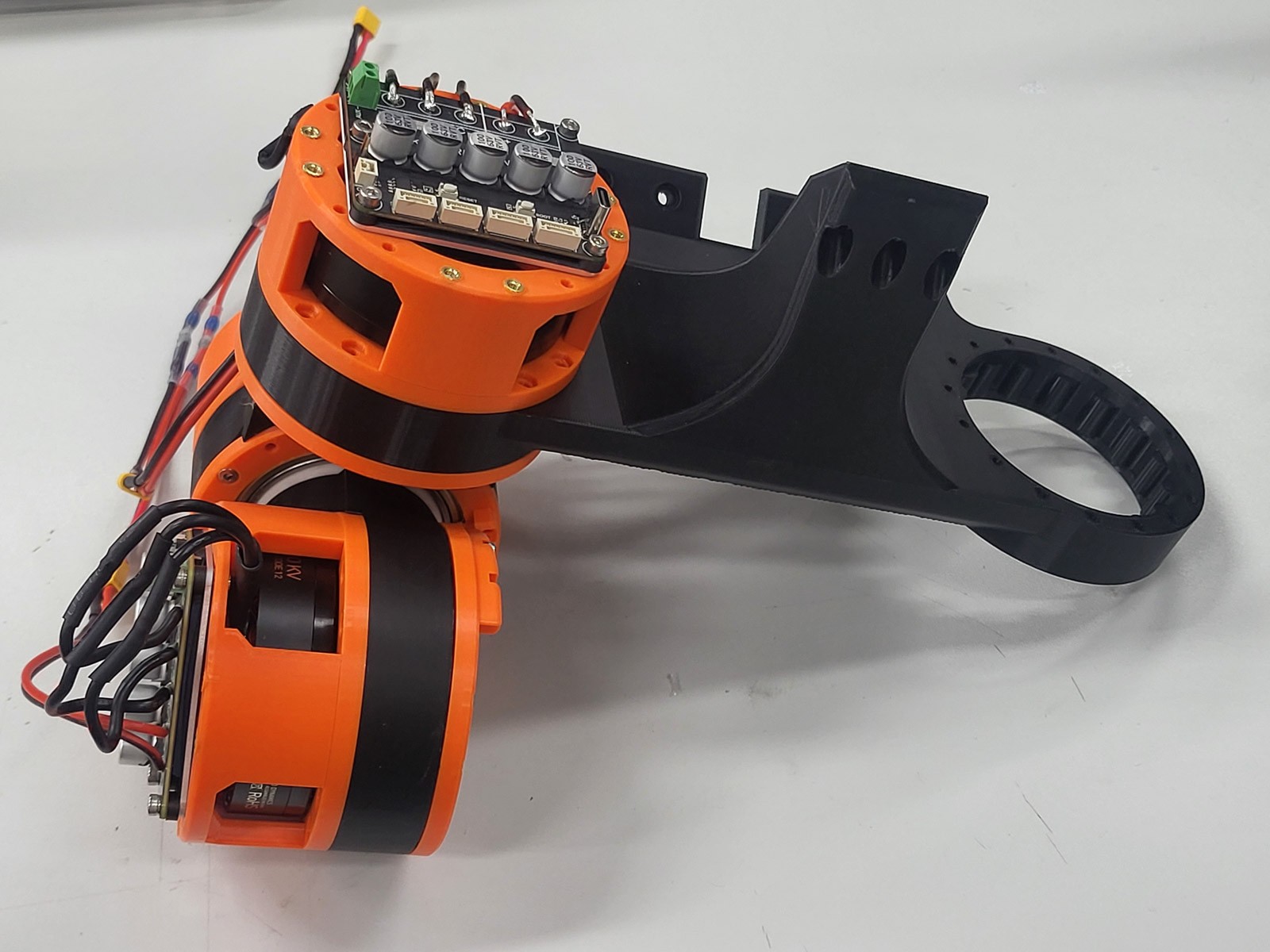
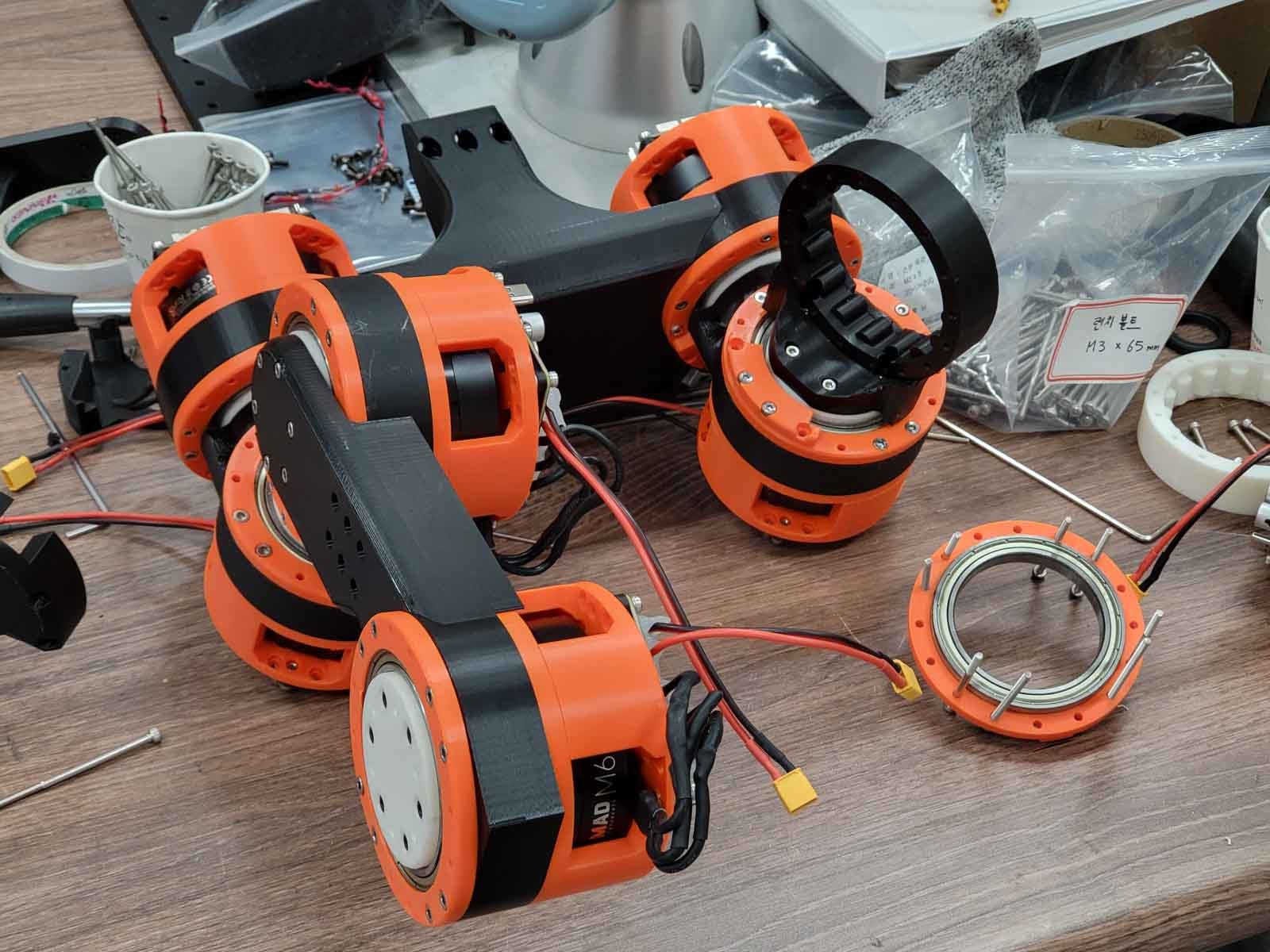
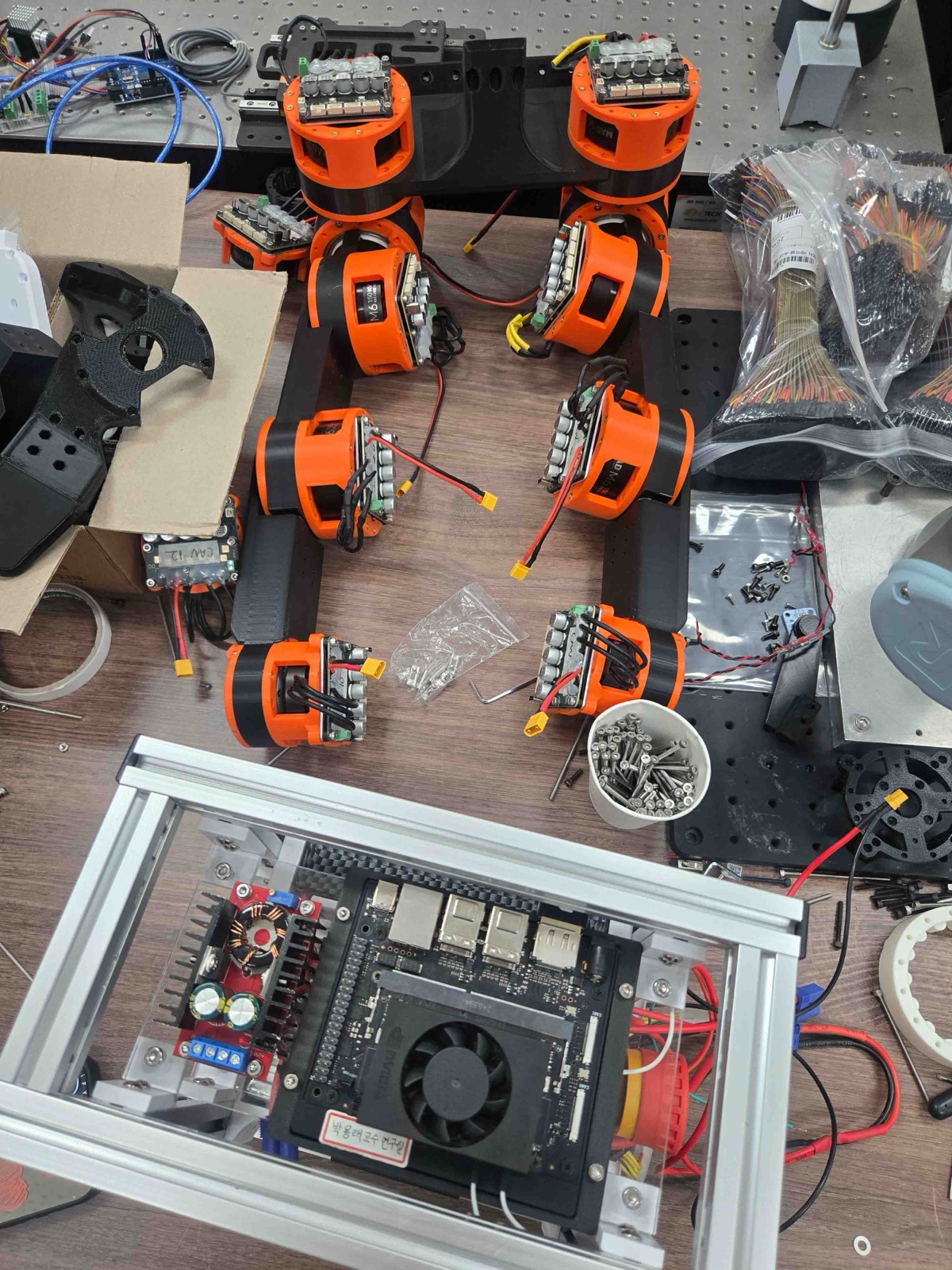
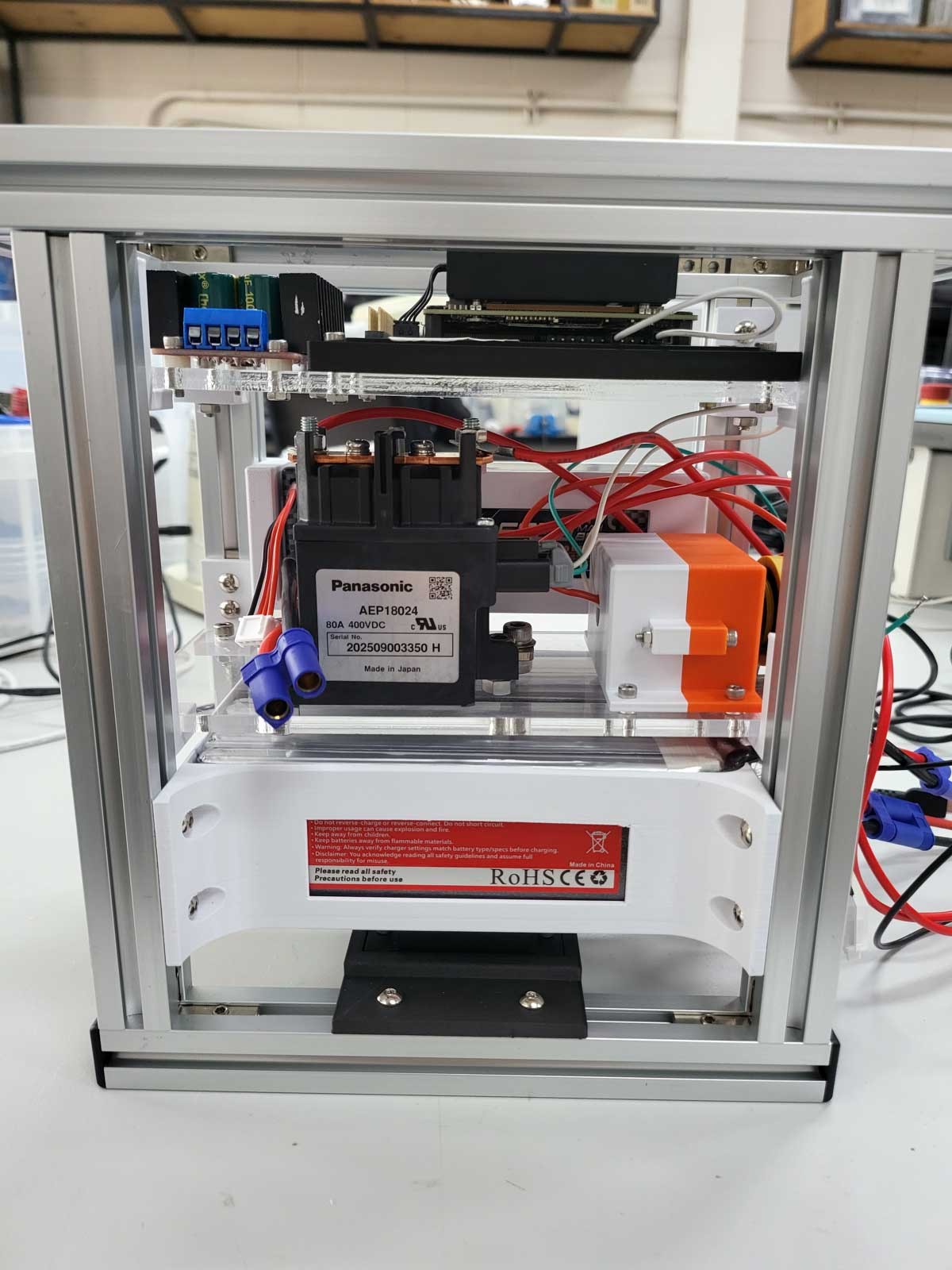
Assembly photos
Sample photos from assembling our robot: